.webp)
When Anthropic launched Claude Connectors in July 2025, the pitch was simple: stop explaining your work to your AI assistant and just let it see your work. Built on the open-source Model Context Protocol (MCP), connectors create secure bridges between Claude and your apps, letting Claude search, analyze, and take actions — not just read-only lookups.
As of early 2026, the directory has grown to over 50 curated integrations spanning communication, project management, content, design, engineering, finance, and healthcare. That's a lot to wade through.
We've spent time with the ecosystem and landed on 20 connectors that consistently deliver. Some are obvious. A few might surprise you. All of them are worth connecting before you convince yourself you don't need them.
1. Gmail
We love the Gmail connector. Claude can search emails, draft replies, and summarize threads — which sounds modest until you're asking it to find every email from a specific client over the last six months and draft a status update. The combination of retrieval plus generation is where this really earns its keep. Claude can access your actual messages rather than working from vague descriptions you type in.
Best for: knowledge workers drowning in email, anyone who runs client relationships from their inbox.
2. Google Calendar
Claude can read your schedule, find free time, and help optimize how meetings are arranged. The genuinely useful move is asking Claude to audit your calendar patterns — recurring meetings that could be async, back-to-back blocks that need breathing room, or prep time that never gets scheduled. It won't reschedule anything without your approval, but having an AI actually look at your calendar and give you honest feedback on how you're spending your time is underutilized.
Best for: managers, anyone who feels like their calendar manages them.
3. Slack
The January 2026 interactive update means you can now draft and preview Slack messages, review them, and approve before posting — all without leaving Claude. This is a meaningful upgrade from the earlier read-only version. The practical use case most people overlook: asking Claude to summarize a busy channel you haven't checked in two days before you respond to something you don't have full context on.
Best for: anyone who works across multiple Slack workspaces or comes back from vacation to a wall of unreads.
4. Fellow
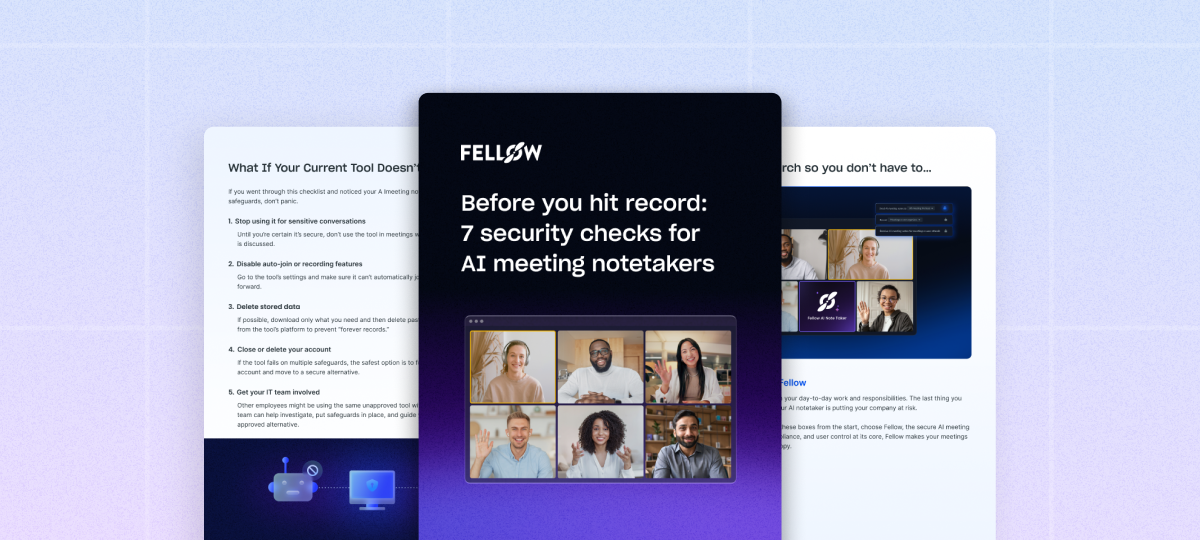
This connector has been a game-changer for our team. Fellow is a secure AI meeting assistant with bot and bot-free recording options. Where it earns a high spot on this list is the workflow layer: Fellow captures meeting notes, action items, and transcripts, and the connector makes that information available to Claude across your other tools. If your meeting notes live in Fellow, Claude can reference what was discussed and decided when helping you draft a follow-up email, create a Jira ticket, or update a Notion project page. Fellow also supports botless recording and has granular privacy controls — including mid-meeting pause and post-meeting redaction — which matters for teams handling sensitive client conversations. The limitation is that the full value depends on consistent note-taking habits; if your team doesn't reliably use Fellow for meetings, there's less for Claude to connect to.
Best for: teams and individuals with a lot of meetings who can't afford to let decisions and insights get buried in transcripts.
5. Notion
Claude can search your Notion workspace, create pages, and help organize information across your notes. Where this gets powerful is in cross-referencing: ask Claude to pull every note you've taken about a particular topic across different databases and synthesize it. The connector works well for teams that use Notion as a shared knowledge base and want Claude to actually understand the context before answering questions about ongoing projects.
Best for: teams using Notion as a company wiki, solo operators with messy but extensive personal knowledge bases.
6. Asana
The Asana connector lets Claude manage tasks, track projects, and coordinate team work. Particularly useful at the start of a sprint or project kickoff, when you want to ask Claude to assess what's overdue, flag dependencies, and suggest priority order across multiple projects — rather than clicking through boards manually. The interactive version introduced in January 2026 means you can see and update project timelines inside Claude directly.
Best for: project managers, cross-functional leads, ops teams.
7. Google Drive
Claude can search files, analyze documents, and locate information across your Drive. The comparison use case is underrated: ask Claude to look at two versions of a proposal or contract and surface what changed. For teams that store everything in Drive and have developed their own informal folder taxonomy over years, this is genuinely valuable — Claude can find things you've forgotten you saved.
Best for: document-heavy teams, anyone who's ever lost an hour looking for a file they know exists.
8. Linear
Linear's connector connects to engineering workflows, issue tracking, and sprint management. The standout workflow: asking Claude to generate release notes from completed Linear tickets. Engineering teams spend disproportionate time on this task, and Claude can produce a clean, readable draft in seconds. Less glamorous but equally useful: asking Claude to identify tickets that are blocked or have been sitting in review longer than your team's SLA.
Best for: engineering and product teams, engineering managers who write changelogs.
9. Atlassian (Jira + Confluence)
For organizations already deep in the Atlassian ecosystem, this connector handles the thing that drives most people to madness: the gap between a Jira ticket and the Confluence spec it's supposed to implement. Claude can cross-reference Jira tickets with their corresponding Confluence documentation and flag inconsistencies. It also makes Confluence actually searchable in a useful way — natural language queries rather than keyword matching against page titles.
Best for: enterprise development teams, technical program managers.
10. Figma
With interactive support launched in January 2026, Claude can now access your Figma designs and generate diagrams and flowcharts in FigJam. The most practical use: asking Claude to audit a design system for inconsistencies — mismatched spacing, off-brand colors, components that have diverged from their base style. This is the kind of review that takes a designer hours and that Claude can flag in seconds. Worth noting: Claude can read and analyze designs, but you're still the one making judgment calls about what to fix.
Best for: product designers, design system owners, anyone responsible for a Figma component library.
11. Canva
Claude can create designs using your Canva brand kit, search templates, and export graphics. This is particularly useful for marketing teams and smaller companies that handle their own social media and content production. Asking Claude to generate a week of social content using your existing brand assets — colors, fonts, logos already in Canva — cuts down the back-and-forth of briefing a designer or starting from a blank template every time.
Best for: marketing teams, content creators, small businesses doing their own brand production.
12. GitHub
The GitHub connector gives Claude access to your repositories, lets it assist with code review, and helps manage pull requests. For engineering managers who review PRs across multiple contributors, asking Claude to flag potential issues before a formal review is a time saver. More advanced: ask Claude to trace how a function has evolved across commits and explain the reasoning, which is useful when you're onboarding onto an unfamiliar codebase.
Best for: developers, engineering managers, teams doing regular code review.
13. Zapier
Zapier's connector brings Claude access to over 8,000 apps through automated workflows, which makes it a multiplier on everything else in this list. If the native connector for a specific tool you use doesn't exist yet, Zapier is often the bridge. Build a zap that fires when a form is submitted, a deal updates in your CRM, or a task is marked complete — and Claude can take a next action in response. Less turnkey than dedicated connectors but much more flexible.
Best for: operations teams, anyone building custom workflows across tools with no dedicated connector.
14. Amplitude
Amplitude's connector gives Claude access to product analytics and user behavior data, which is valuable specifically because most people don't look at their Amplitude data as often as they should. Asking Claude to surface drop-off in a signup funnel or identify which features drive retention is more accessible when you don't have to build a chart first. The connector makes analytics conversational — though you should still verify the underlying data before making major product decisions from Claude's interpretation.
Best for: product managers, growth teams, anyone responsible for activation and retention metrics.
15. Stripe
Claude can query your Stripe data for payment analytics and revenue reporting. The ability to ask plain-English questions about MRR, churn, and revenue by plan tier — without exporting a CSV or writing a Stripe query — makes this valuable for small and mid-sized companies where finance and product ownership often overlap. Useful caveat: treat Claude's revenue analysis as a starting point for investigation, not a substitute for your actual financial reporting.
Best for: SaaS founders, finance leads at growing companies, anyone who reconciles billing data manually.
16. Intercom
The Intercom connector gives Claude access to customer conversations and support data. The killer workflow here is voice-of-customer synthesis: ask Claude to review the last month of support conversations and identify the top pain points, most-requested features, or most common onboarding questions. This surfaces signal that often gets buried in ticket queues and support team Slack updates. Useful for product teams making prioritization decisions without the time to read hundreds of conversations manually.
Best for: product teams, customer success leads, support managers.
17. WordPress.com
WordPress.com launched its official Claude connector in February 2026 — the first major WordPress host to offer direct AI access to real site data. Claude gets read-only access to your actual traffic and engagement data: ask about monthly traffic summaries or which posts have low engagement, with answers based on real site data rather than estimates. It's currently read-only — Claude can't publish or modify content — but for content strategy and SEO analysis, that's often all you need.
Best for: content marketers, bloggers, site owners making editorial decisions based on performance data.
18. Airtable
The Airtable connector, launched in late February 2026, brings your structured data into Claude conversations. Airtable databases often serve as the connective tissue between teams — product roadmaps, content calendars, vendor trackers — but querying them typically means building views or writing formulas. Asking Claude to pull cross-table insights or flag records that meet specific criteria in natural language lowers that barrier considerably.
Best for: ops and PMO teams, anyone using Airtable as a lightweight database rather than just a spreadsheet.
19. Clay
Clay was among the new MCP connectors added in February 2026, and it's specifically useful for go-to-market teams. Clay is a data enrichment platform for prospecting and lead research — connecting it to Claude means you can ask Claude to enrich a list of prospects, identify patterns across accounts, or help prioritize outreach based on firmographic data. More useful for sales and RevOps teams than for general productivity, but for that audience it's one of the stronger additions to the directory.
Best for: sales teams, RevOps, demand generation.
20. Hex
Hex is a business intelligence tool, and its connector allows Claude to run data queries and visualize results. For data teams that already live in Hex, this makes Claude a conversational interface for business questions rather than a separate tool you switch to for writing and thinking. The combination of Hex's analytical depth with Claude's ability to explain findings in plain English is useful for bridging data teams and business stakeholders.
Best for: data analysts, anyone who produces regular business intelligence reports.
21. Ahrefs
Connect Claude to your Ahrefs account for SEO and AI search analytics. Claude can query keyword rankings, backlink profiles, traffic estimates, and site audit data directly in your conversations. Useful for content teams and SEO leads who want to pull competitive research or surface underperforming pages without leaving Claude.
Best for: SEO managers, content strategists, anyone making publishing decisions based on search data.
How to get started
Basic connectors are available on all Claude plans including the free tier. Full connector access, including custom MCP server connections, requires a paid plan starting at $20/month for Pro. Setup typically takes a few seconds — most connectors use OAuth, redirecting you to the app's login page to authorize access.
The practical advice: don't connect everything at once. Start with the two or three tools you use most, build a few workflows that actually save you time, and expand from there. The directory will keep growing — Anthropic has confirmed a direct Salesforce integration is coming, with CRM and pipeline data moving into Claude conversations — so it's worth checking back quarterly.
Never take meeting notes again
Record, transcribe and summarize your meetings with Fellow.
Get started with Fellow todayStart a free trial
%20(1).webp)
.webp)

.webp)